Support
Need help with Counter App? You're in the right place!
Frequently Asked Questions
How do I use motion control?
Simply tilt your device forward (away from you) to count up, or backward (toward you) to count down. The steeper the tilt, the faster it counts.
Can I still count manually?
Yes! The green + button increases the count, and the red - button decreases it. These work anytime, even when motion control is active.
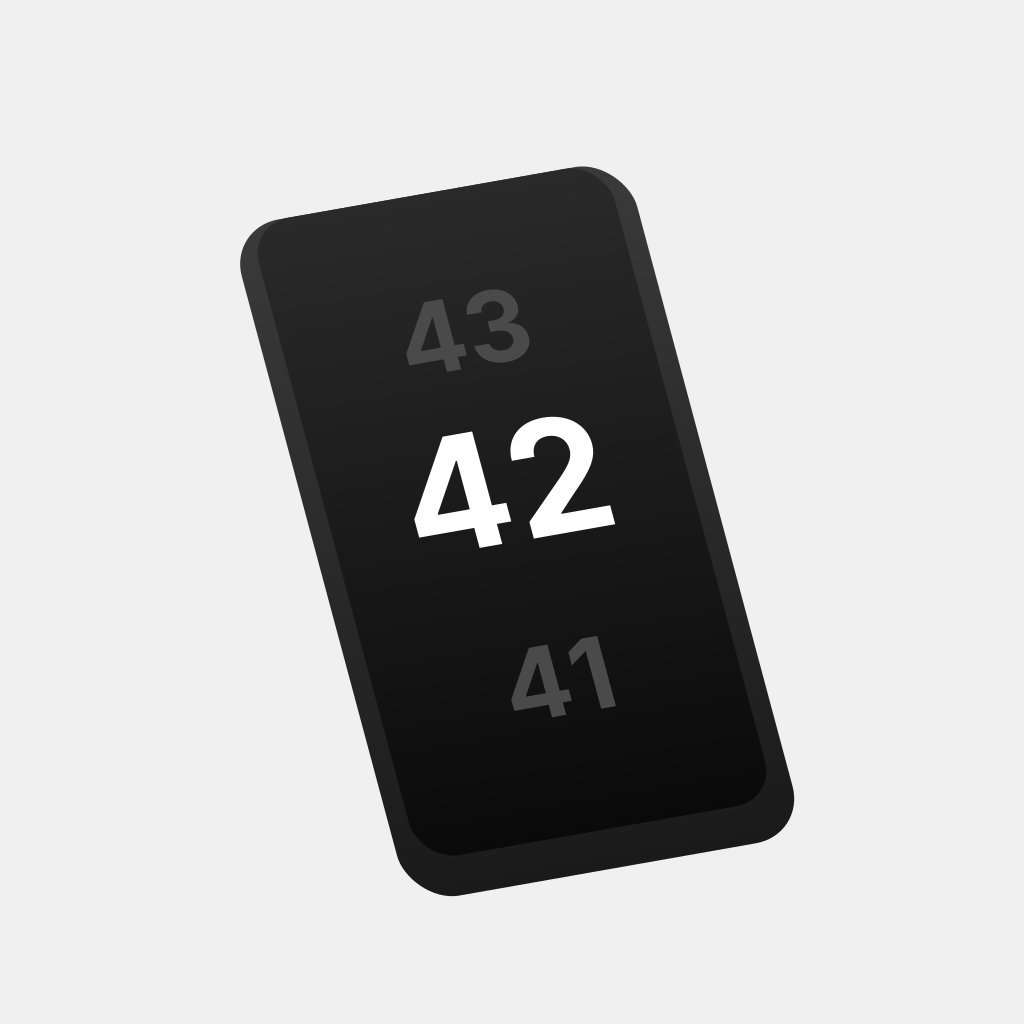
What does the three-number display show?
The large center number is your current count. The smaller numbers above and below show the next and previous values for easy reference.
How do I view the debug console?
Tap the "Debug Info" button at the bottom of the screen to see real-time motion data, device orientation, and counting speed.
Is the app free?
Yes, Counter App is completely free and contains no ads.
Features
- Motion-controlled counting with device tilt
- Variable speed based on tilt angle
- Three-number display (previous, current, next)
- Manual +/- buttons for precise control
- Real-time debug console with motion data
- Smooth animations and haptic feedback
- Clean, minimalist design with gradient effects
- 100% private - no data collection
Troubleshooting
If you're experiencing issues with the app:
- Motion control not working? Make sure motion sensors are enabled in Settings > Privacy > Motion & Fitness
- Counting too fast or slow? Adjust your tilt angle - gentle tilts count slower, steep tilts count faster
- Device orientation issues? The app works best in portrait mode
- If motion control isn't suitable for your situation, use the manual +/- buttons
- Check the debug console to see real-time sensor data and troubleshoot issues
Get in Touch
Still need help? We're happy to assist!
Email: emreargana@icloud.com
We'll get back to you within 24 hours.